Your Mac, running cooler
Monitor every sensor, control your fans, throttle runaway apps, clean junk, and download files at blazing speed. One native app. No subscription. Just works.
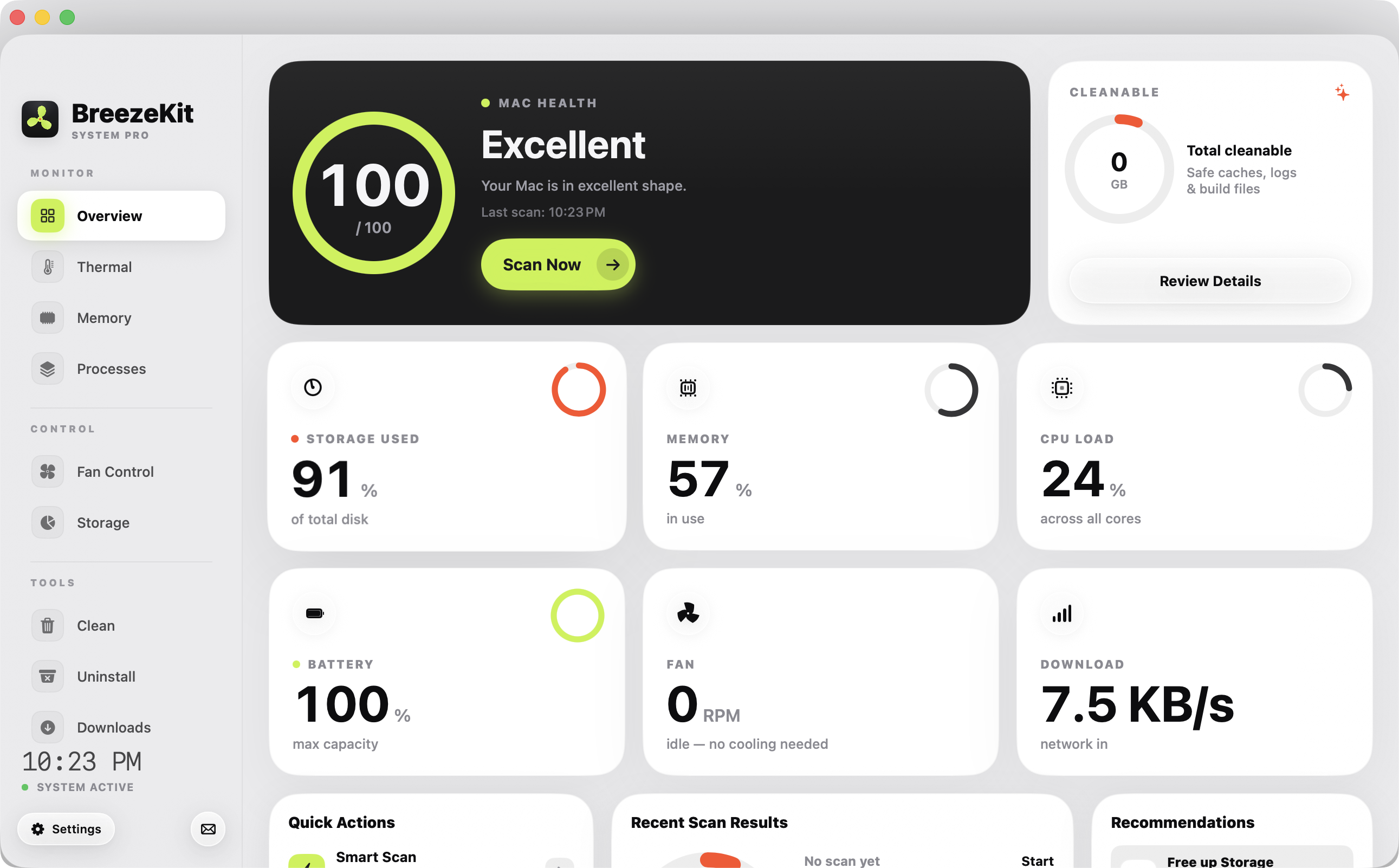
Your MacBook sounds like a jet engine during a Zoom call. You’ve tried three different temperature apps, a fan controller from 2019, and Activity Monitor (which helps exactly zero). Nothing talks to each other.
BreezeKit replaces all of them.
Features
Twelve tools, one app
Built native in SwiftUI. Not some Electron wrapper pretending to be a Mac app.
Smart Fan Control
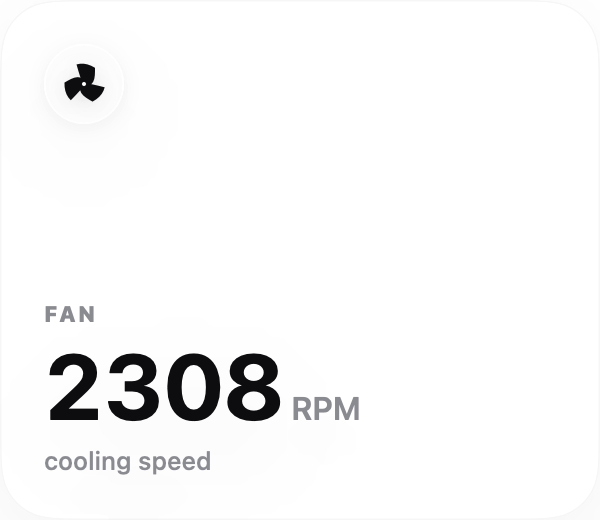
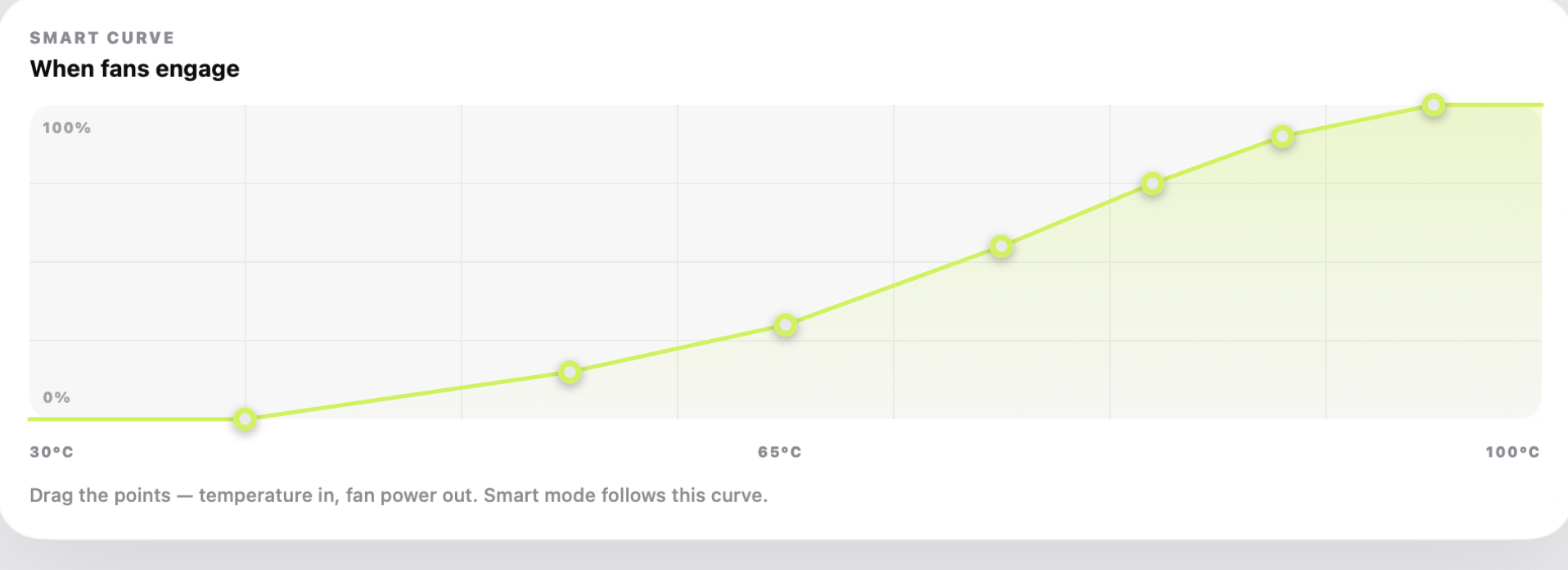
Presets, full manual, or drag your own fan curve on a live chart. One admin prompt, then silent forever.
Thermal Dashboard
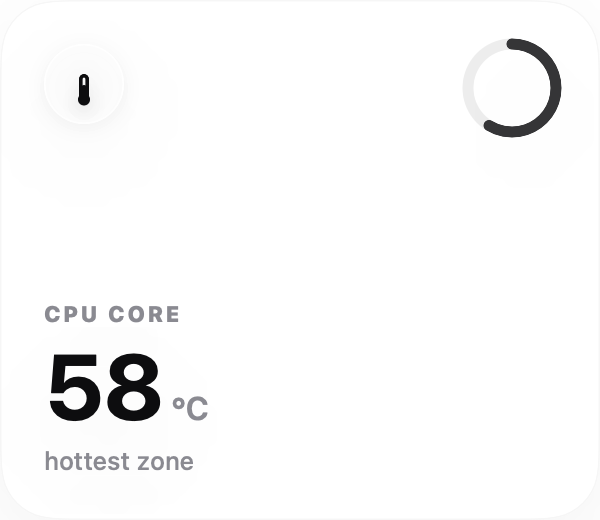
Every SMC sensor in real-time. Peak detection, honest zone cards. Finally know why your Mac is hot.
CPU Throttler
Right-click any process, limit it to 50%. No admin needed. Tame Chrome or Xcode instantly.
Smart Alerts
Native notification when things get toasty. Shows which process is guilty, offers one-click throttle.
Storage Insights
Finds big files, duplicate copies wasting gigabytes, and files untouched for a year. Trash them safely.
Cache Cleaner
Per-file checkboxes. You decide what goes. Browser caches, Xcode data, npm, gradle. Nothing without asking.
Download Manager
8 parallel connections per file. IDM-style chunk splitting. Pause, resume, retry. Way faster than Safari.
Process Manager
See what eats CPU and RAM. Quit, force quit, or throttle. Better than Activity Monitor, honestly.
Battery Deep Dive
Health, cycles, voltage, temperature, charging rate, manufacture date. More than Apple shows you.
Straight from the app
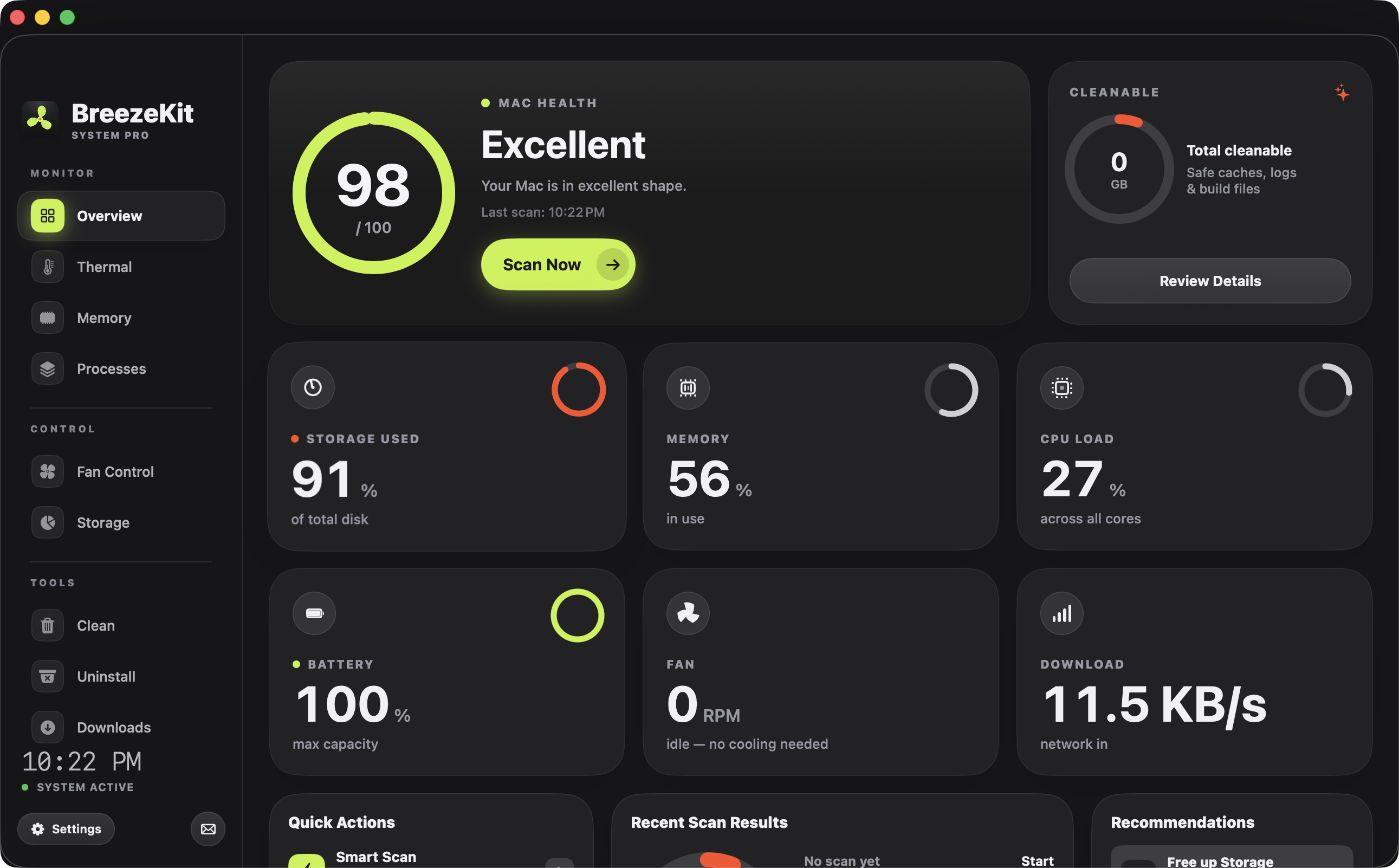
Glanceable by design
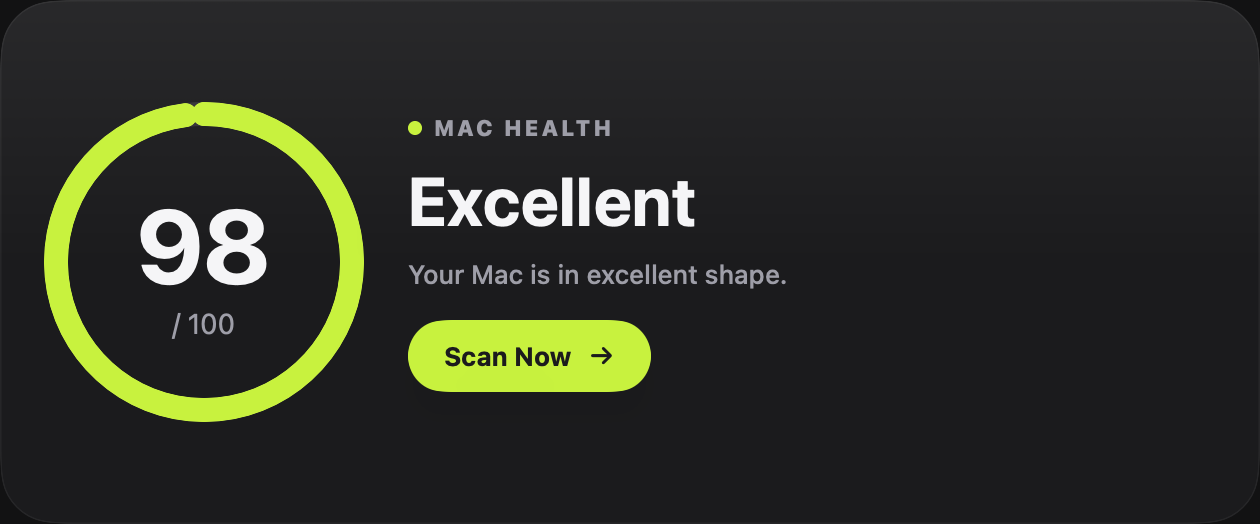
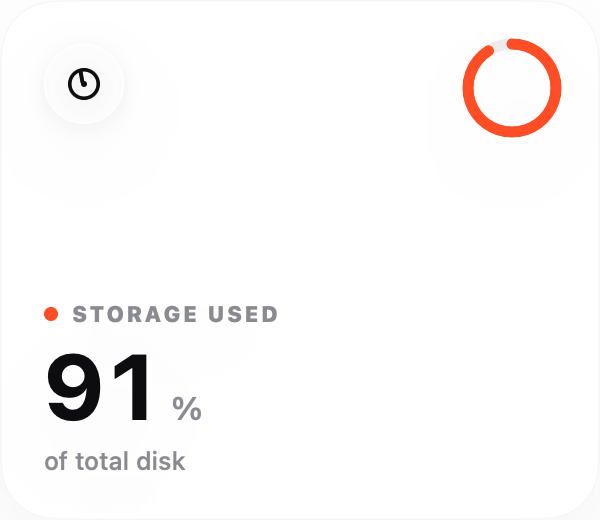
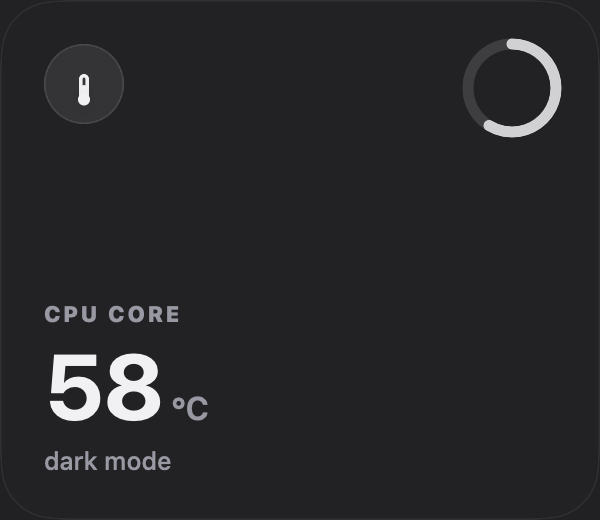
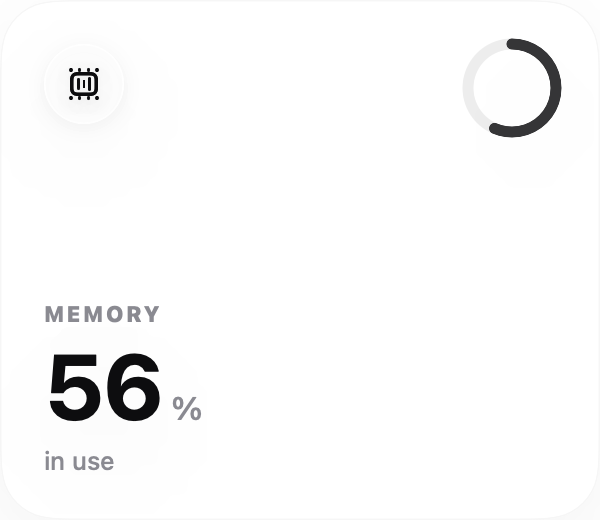
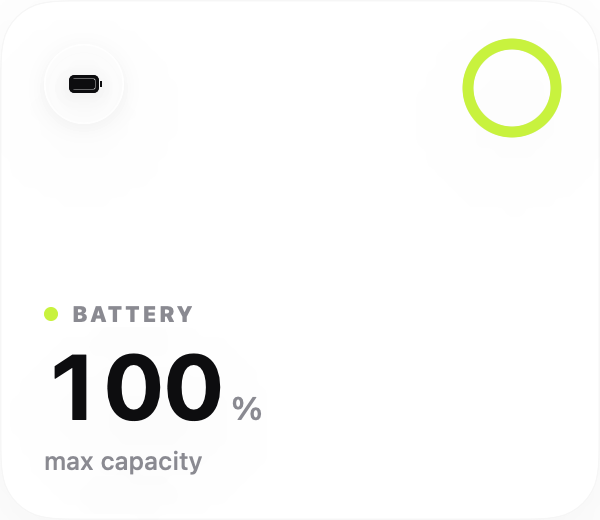
Every metric is a widget — bold numbers, honest states, zero chartjunk.
“Why not just use iStat Menus?”
You could. It’s a solid app. But it doesn’t throttle your CPU, clean your caches, scan your storage, or download files in 8 parallel streams.
BreezeKit is a full power toolkit — fan control, CPU throttling, cache cleaning, storage scanning, process management, thermal alerts, and a download engine. All in one native SwiftUI app that weighs 4 MB. Plus a menu bar widget for quick glances.
No Electron. No subscription. No accounts. Just your Mac, running the way it should.

BreezeKit Pro
Pay once, own forever. No subscriptions.
$10
$20Launch price · 50% off for early adopters
Launch pricing — limited to first 50 users
Questions
Yes. Built and tested on M1 Pro. Works on M1, M2, M3, M4, and Intel Macs running macOS 15+.
Completely. BreezeKit writes to SMC using the same IOKit APIs that Apple uses. Reset to Auto anytime and your Mac returns to factory thermal management.
Free features (monitoring, battery, network) keep working. Pro features (fan control, cleaner, storage scanner, downloads) lock until you activate a license.
No. One-time payment of $10. You own it. Free updates included.
BreezeKit collects anonymous usage counts (which features get used) and crash diagnostics so bugs get fixed fast. That's it — no names, no emails, no file contents, no browsing data, and everything can be switched off in Settings → Privacy. Your files never leave your Mac.
Your Mac deserves better
Download Free and see the difference in 30 seconds. 7-day free trial, no credit card needed.
Download Free